

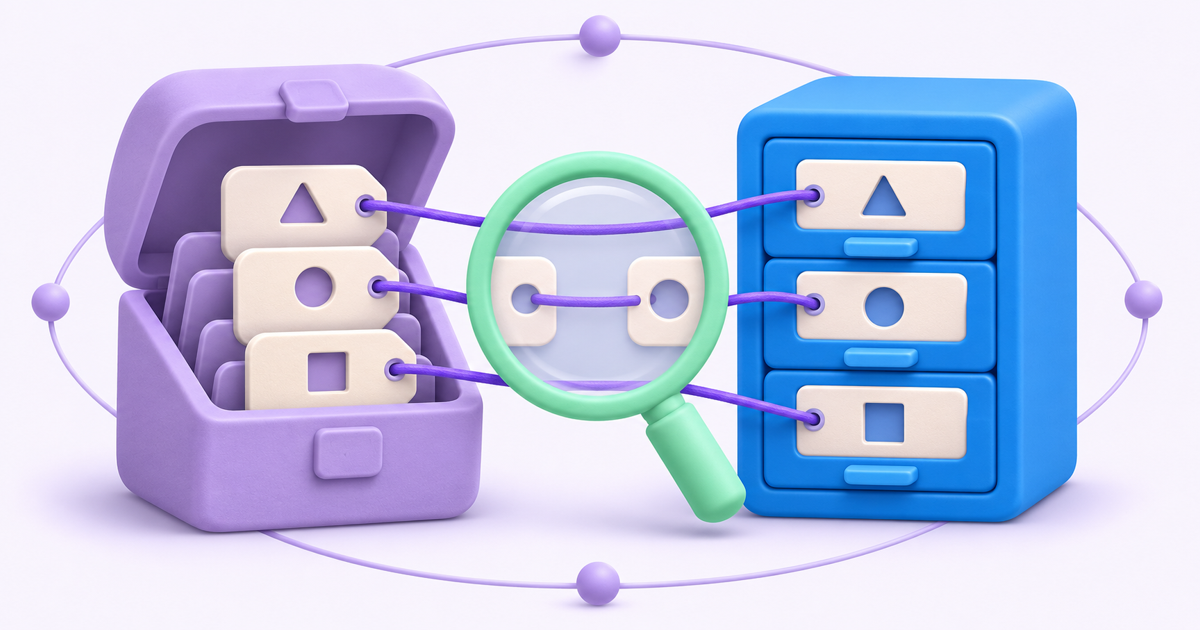
A hypothetical example. After a migration, a manager needs the company mentioned in an old enquiry. Its name appears twice, the phone number has changed and the link opens the previous system. The data exists in the new database, but without a mapping, finding it becomes guesswork. Similar names are unreliable archive guides.
An identifier, or ID, is a record number within a particular system. Matching numbers in two CRMs do not by themselves identify the same object. During migration, preserve provenance: which system and record type produced the new record.
Which numbers must be distinguished?
Separate the source number, destination number and file row number. In Bitrix24, a record’s system ID is generated automatically. CRM system fields. Do not promise to preserve old portal URLs simply by copying a column.
Establish which data types are being transferred: companies, contacts, deals or other objects. Different sections may contain identical numbers. A mapping therefore needs the source and type as well as the digits. This is a migration design rule whose implementation must be agreed with the provider.
For companies in Kazakhstan and Kyrgyzstan, a name’s language must not change record provenance. A company may have different spellings; do not create a new relationship simply because a familiar name has been translated or abbreviated. Check the source object and agreed mapping.
Where should mappings be stored?
Options include a separate protected register, an agreed record field or integration service data. Choose according to the loading method and future use. Define who needs to search by old number, who may change mappings and where verification evidence is stored.
If considering a Bitrix24 field, test its type and search and import availability with training data. Do not assume that any field is a ready-made duplicate prevention mechanism. Standard import and a custom integration may recognise repeated transfers differently.
How should relationships be checked after loading?
Choose an anonymised chain: a company, a contact and two deals with similar names. Record the relationships before migration. After loading, find each record through the mapping and check its relationships, not merely the presence of separate records.
Then rename the training company. Its source relationship should not depend on the new name text. Test a missing source object: the report must clearly flag it as unresolved rather than automatically substituting a similar customer.
Retain old-system links only where permitted and useful. If archive access will end, agree another way of verifying origin beforehand. A number mapping locates a record but does not preserve the source system’s documents and history itself.
When can the migration be accepted?
Ask an employee to find a new record from an old enquiry and explain the basis for the match. Repeat across record types and matching names. Record exceptions and their owner; the number of created records does not replace this test.
Keep your current CRM if it meets the need: mappings also help systems coexist. If Bitrix24 is selected, discuss history transfer, database quality and integration with QQDev. Prepare an anonymised record chain and an old-link example. Discuss data provenance with QQDev.