

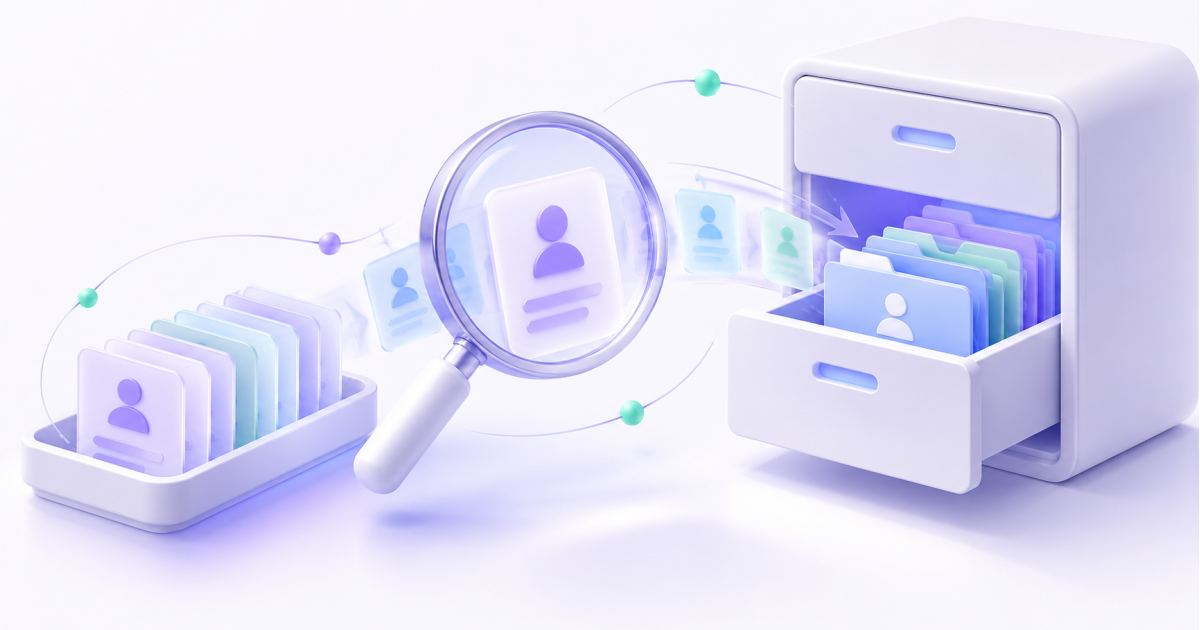
During an office move, nobody wants the cabinet delivered while its keys remain in the old building. CRM migration can work the same way: contacts arrive, while the history employees need does not.
If you already use another system, check the reason for switching first. A modification or integration may solve the problem. Once you decide to move, begin with a small representative sample.
List what the team actually uses
“Database” is too broad. List contacts, companies, open sales, products, comments, files, correspondence and planned activities separately.
For each object, decide whether it is needed daily, can remain in an archive, or need not move. Old records do not become more useful by entering a new program.
Check export options and permissions in the source system. A screenshot of a table is not a full export. Before ending a subscription, establish how the company will retain access to necessary information.
Prepare a trial box
Choose several different training or anonymised examples: a company with two contacts, a person with several orders, a sale with a custom field, and a record using local alphabet characters.
For a team in Kyrgyzstan, check the languages, phone formats, dates and currencies it uses. This is a checklist, not a claim about special national restrictions.
Map each source column to a destination field. Flag fields without direct equivalents. An “owner” value must map to an actual employee rather than simply becoming a piece of text.
Checking a move to Bitrix24
Standard CRM import uses CSV, a text file containing tabular data. The Bitrix24 documentation separately states that CRM activities cannot be imported or exported. Standard import therefore cannot be promised to transfer the entire history.
For messages, attachments and other data, assess a separate migration tool or project: supported content, required permissions, cost, and what remains archived. Export and feature availability depend on the system and plan.
In the destination CRM, disable external sends unnecessary for the test and review automation first. Loading old sales must not unexpectedly send customers new messages.
Accept contents, not just a count
After the trial import, inspect records as a salesperson would:
- is the order linked to the correct customer;
- are stages and owners understandable;
- do amounts and field values match;
- are necessary materials available;
- what happens if the import runs again?
Ask an employee to continue a training sale. If they must return to the old system for every detail, the migration plan is not ready.
Agree on the switchover
Set a time to stop entering data in the old CRM, a procedure for transferring final changes, and a rollback plan. Two simultaneous “master” databases quickly produce two versions of reality.
QQDev works on Bitrix24 implementation and integrations. Use the implementation page to discuss migration scope and sample checks. Start with a list of required data; it is more useful than “We will transfer absolutely everything.”